Overview
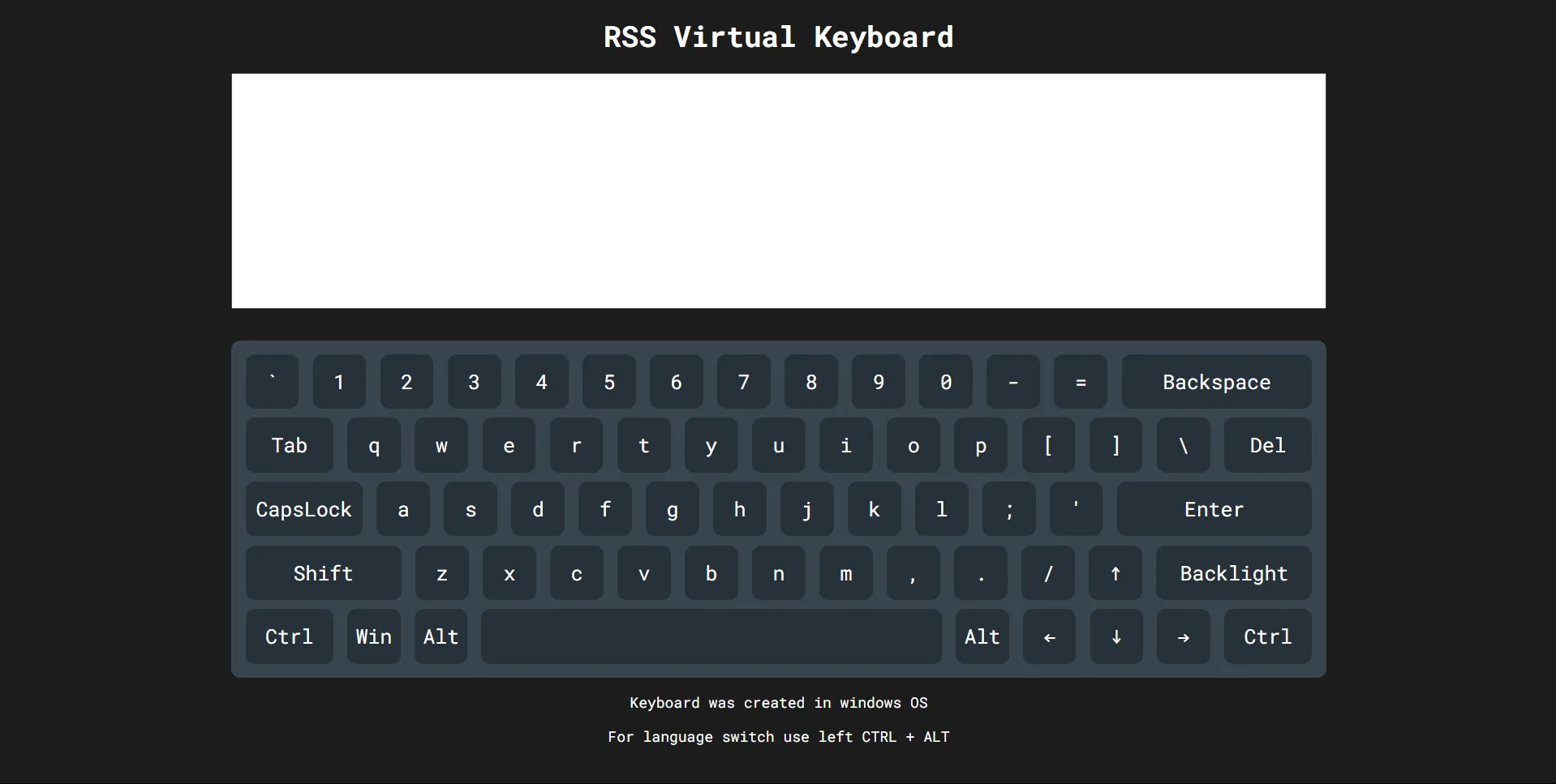
Implementation of a virtual keyboard. Fully functional, responding to both mouse clicks and physical key presses, supports switching between two language layouts.
Features
- Pressing a key on the physical keyboard highlights the corresponding key on the virtual keyboard. Multi-key press also supported.
- Supports switching between english and russian language (ctrl + alt shortcut). The selected language persists after page reload.
- Clicking virtual keys or pressing physical keys inputs characters into a text area above the keyboard.
- Arrow keys navigation into text field.
- Function Key Handling (Enter, Tab, Backspace, Del, Shift, Alt, Ctrl, Caps Lock and Space keys)
- Even if your currently selected system language is differs from virtual keyboards language, pressing physical keyboard keys will input to textfield the same characters as on the virtual keyboard.